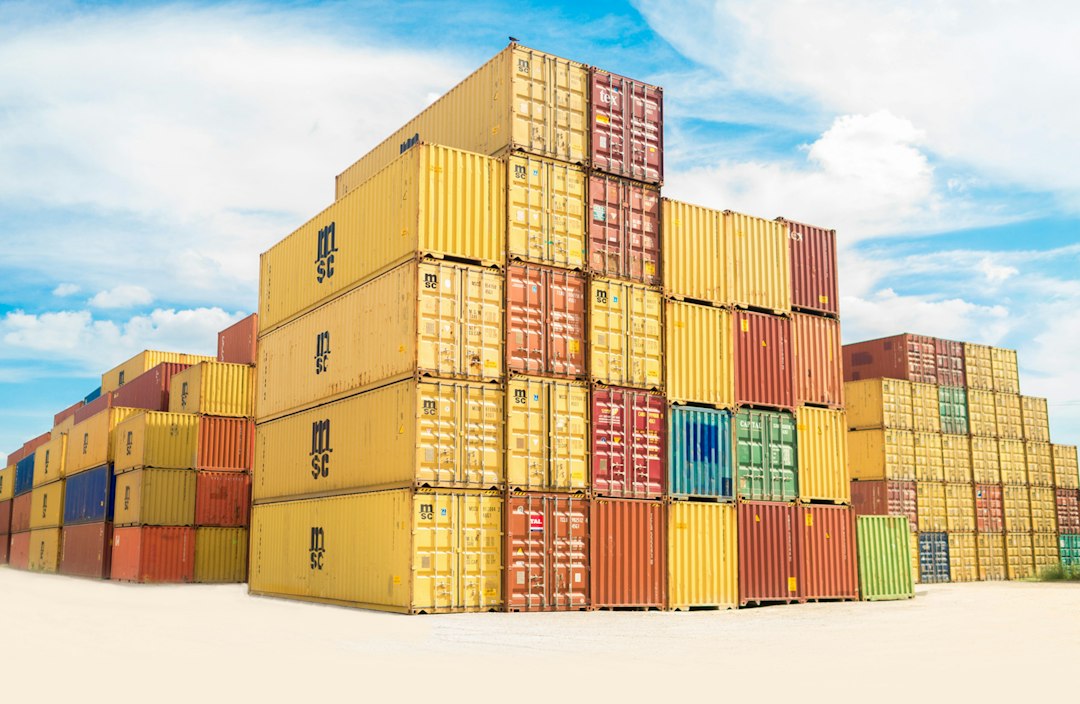
Photo by frank mckenna on Unsplash
Copy-on-Write Container Image Layers
Every time you launch a container, you’re not copying gigabytes of filesystem data. Instead, container runtimes use copy-on-write layering to share base images across dozens or hundreds of running containers while making each appear to have its own isolated filesystem. This mechanism is fundamental to why containers start in milliseconds rather than minutes.
Layered Image Structure
Container images are composed of read-only layers stacked on top of each other. When you build an image with a Dockerfile, each instruction that modifies the filesystem creates a new layer. The base Ubuntu layer might be 80MB, your application dependencies add another 200MB, and your application code sits in a final 5MB layer on top.
These layers are content-addressed and immutable. Once written, a layer never changes. This immutability enables aggressive sharing: if fifty containers all start from the same base image, that base layer exists exactly once on disk. The container runtime simply mounts it read-only for all fifty containers.
Copy-on-Write at Runtime
When a container starts, the runtime creates a thin writable layer on top of all the read-only image layers. This writable layer starts empty. As long as the container only reads files from the image, no copying occurs. The file access goes straight through to the underlying read-only layer.
The copy happens only when the container attempts to modify a file. At that moment, the storage driver intercepts the write, copies the entire file up to the writable layer, and performs the modification there. Future reads and writes to that file now hit the copy in the writable layer, leaving the original in the read-only layer untouched.
This is why modifying a large file in a running container can cause a sudden latency spike. A single-byte change to a 500MB database file triggers a full 500MB copy operation before the write completes.
Storage Driver Implementations
Different container storage drivers implement copy-on-write with different underlying mechanisms. OverlayFS, the most common driver on modern Linux systems, uses native filesystem union mount capabilities. It presents a unified view of multiple directories layered on top of each other, with the kernel handling the copy-up operations transparently.
Device mapper creates block-level snapshots using thin provisioning. Rather than copying entire files, it copies only the modified 64KB blocks. This can be more efficient for large files with small modifications, but adds complexity and potential performance overhead.
Btrfs and ZFS use their native copy-on-write capabilities at the filesystem level, leveraging features designed for snapshots and clones. These can be extremely efficient but require using those specific filesystems, which may not fit every environment’s storage strategy.
Space Efficiency Tradeoffs
The layered approach creates predictable space usage patterns. A cluster running hundreds of containers might only store a handful of distinct base images, with each container’s unique data confined to its thin writable layer. This dramatically reduces storage requirements compared to full VM images.
The tradeoff appears in layer ordering and image size. Placing large, frequently-modified files low in the layer stack means they’ll be copied up often. Deleting a file in an upper layer doesn’t reclaim space from lower layers—the deleted file still exists in the read-only layer underneath, just hidden by a whiteout marker in the upper layer.
This is why image optimization focuses on layer ordering and minimizing layer count. Combining related changes into single layers and placing stable dependencies below frequently-changing code reduces both image size and runtime copy overhead.
Startup Speed Impact
Copy-on-write layering is why containers can start nearly instantly even when the image is several gigabytes. The runtime doesn’t copy the image before starting the container. It mounts the existing layers read-only, creates an empty writable layer, and launches the process. The entire operation involves updating a few metadata structures and creating a mount namespace.
This contrasts sharply with VM startup, where the hypervisor typically needs to initialize virtual hardware, allocate memory, and boot an entire kernel before the workload runs. Even with optimizations like VM templates and linked clones, the initialization overhead remains higher.
The container model works because the isolation boundary is thinner. Containers share the host kernel and rely on namespaces and cgroups for isolation rather than hardware virtualization. Copy-on-write layering makes this sharing practical at the filesystem level, completing the picture of why containers became the deployment primitive for cloud-native applications.
Container Image Design Implications
Understanding copy-on-write behavior shapes how you build efficient images. Immutable infrastructure patterns align naturally with read-only layers. Applications that treat their containers as disposable and store state externally avoid copy-up overhead entirely.
When writes are necessary, the size and location of modified files matters. Small configuration tweaks are cheap. Regenerating a large cache file or modifying an in-container database triggers expensive copies. Some applications now detect when they’re running in containers and adjust their I/O patterns accordingly, preferring many small files over fewer large ones to minimize copy-up impact.
The layering model also encourages careful dependency management. Updating a low-level library forces rebuilding all layers above it, potentially invalidating caches across your entire build pipeline. This is why multi-stage builds and strategic layer ordering have become standard practice in container image optimization.